
How to Make a Sawadika Dance AI Video
Updated October 22, 2026
The short version
Sign in, buy a credit pack, upload one full-body photo, pick Solo or Pet, generate, download the 15-second MP4. Everything runs in the browser — no CapCut, no editing, no keyframes.
What you need
- An account with credits — packs start at $9; a 15-second clip uses 510 credits at 480p or 1140 at 720p.
- One sharp, front-facing photo — head to toe for Solo, full body for a cat or dog in Pet.
- About five minutes — the task keeps running if you close the tab.
Pick or take the photo
For Solo, use a head-to-toe photo of one adult facing the camera: feet fully visible, face clear, even light, no sunglasses or mask. Arms and legs read better when they are not pressed against the body or hidden behind furniture.
For Pet, use a clear full-body shot of one cat or dog — standing or sitting, front-facing, no blanket covering the paws.
Choose a mode and a resolution
Solo Dance casts the person in your photo. Pet Dance stands one cat or dog on its hind legs through the same beats, keeping its own coat and markings. Then pick 480p (510 credits) for a quick share or 720p (1140 credits) for a sharper post.
| Mode | What it does | Best photo | Credits |
|---|---|---|---|
| Solo Dance | The person in your photo dances the whole chorus — wai, overhead press, wide stance, hip sways, closing pose | One adult, head to toe, face clear | 510 at 480p / 1140 at 720p |
| Pet Dance | One cat or dog on its hind legs through the same routine — paws pressed, raised overhead, hip sways | One cat or dog, full body, front-facing | 510 at 480p / 1140 at 720p |
Generate
Open the studio, upload the photo, check the mode and resolution and press Generate. The routine, the camera framing and the music bed are already set.
Processing time varies. You can close the page — the task keeps running and lands in your history.
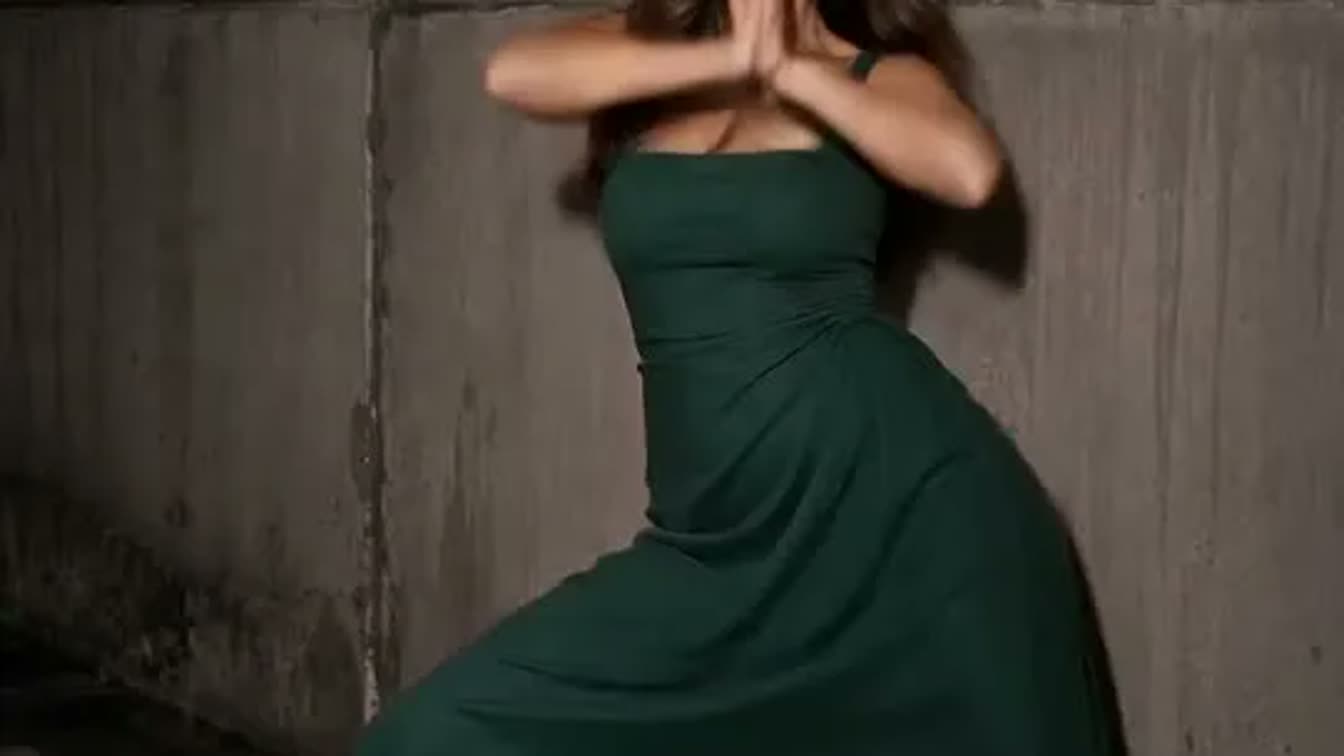
Download the MP4
When the task finishes, download the MP4 from the result card or from your history. Every export already carries an original AI dance-pop bed — no song licensing to think about.
The file is 720×1280 vertical, the same shape as a TikTok, Reels or Shorts post.
Post it — with or without the song
- As-is: upload the MP4 straight to TikTok, Reels or Shorts. The built-in AI music bed plays from the first frame.
- With the original song: in the posting flow tap "Add sound", search for "SaWaDiKa" and pick the track, then lower your video's own sound so the song leads.
- Mark the post as AI-generated when the platform asks, and only use photos of yourself or people (and pets) who are yours.
Photo checklist
Works best
- Head to toe in frame, feet fully visible, nothing cropped
- One adult facing the camera, face lit evenly
- Clothes that contrast with the background
Skip these
- Waist-up or cropped-leg shots — the routine needs your feet
- Sunglasses, masks, heavy filters or a turned-away face
- Group photos, minors, or any public figure — they are not allowed
Troubleshooting
My photo got rejected
Check the format (JPG, PNG or WebP), the size (up to 10 MB) and the pixel count — under 90,000 pixels the browser refuses it. Export the original file rather than a chat-app thumbnail.
The dancer doesn't look like me
A clearer, more front-facing source photo helps most. Retake it facing the camera squarely with your whole body in frame, then generate again.
My pet won't stand up in the video
Use a full-body photo where all four paws and the head are visible and the animal faces the camera. Sitting pets and extreme side angles work less well.
Where are my credits?
Credits are only charged when a task is accepted, and a confirmed failure returns them automatically after refund processing. Check your balance in the studio header, then contact support if they still look wrong.
Keep reading
How-To FAQ
No. Upload a photo, pick a mode and resolution, press Generate, download the MP4. Everything happens in the browser.